
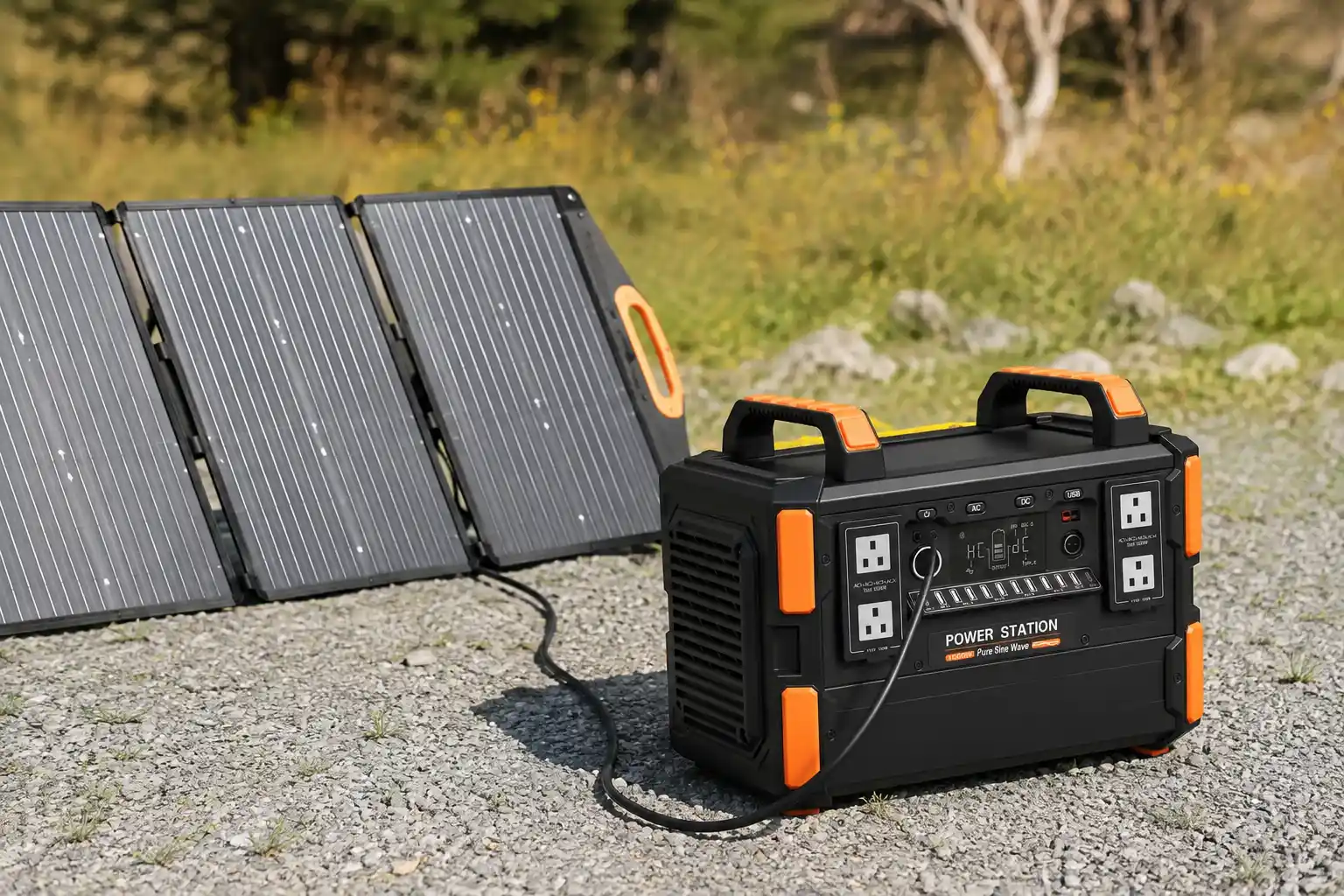
Portable power stations are easy to charge, but safe charging involves more than simply connecting a cable.
Battery temperature, charger voltage, solar panel open-circuit voltage (Voc), input current, ventilation, cable condition, and charging mode can all affect whether a portable power station charges safely and correctly.
This becomes especially important when using third-party solar panels, charging from a vehicle, operating in cold weather, or charging and powering appliances at the same time.
Before looking at the details, here are five rules worth remembering.
5 Quick Rules for Safe Portable Power Station Charging
- Keep the battery within its specified charging temperature range. Many current lithium portable power stations specify approximately 0°C to 40–45°C (32°F to 104–113°F), but always check the exact model.
- Match voltage, current, and power—not just the connector. A plug that fits does not necessarily mean the charger or solar panel is electrically compatible.
- Check solar Voc before connecting panels. Maximum solar wattage alone cannot determine compatibility.
- Keep cooling vents clear while charging. Fast charging creates heat inside the battery and power electronics.
- Stop charging if you notice abnormal heat, swelling, smoke, burning smells, damaged connectors, or repeated fault warnings.
These five rules cover most charging situations, but solar arrays, low temperatures, vehicle charging, and pass-through operation require additional attention.
1. What Temperature Is Safe for Charging a Portable Power Station?
Battery temperature is one of the most important charging conditions.
There is no single temperature range that applies to every portable power station. However, official specifications from several mainstream manufacturers show that approximately 0°C to 40–45°C (32°F to 104–113°F) is common among current lithium-based products.
For example, Jackery’s current guidance specifies:
| Battery Chemistry | Charging Temperature | Discharging Temperature |
|---|---|---|
| NCM | 0–40°C | -10–40°C |
| LiFePO₄ | 0–45°C | -10–45°C |
Jackery specifically states that charging, discharging, and storage limits depend on battery chemistry and product specifications.
EcoFlow’s RIVER 2 Pro, another LiFePO₄ portable power station, also specifies a 0–45°C charging range.
These figures should be treated as real product examples rather than a universal industry limit.
The practical rule is simple:
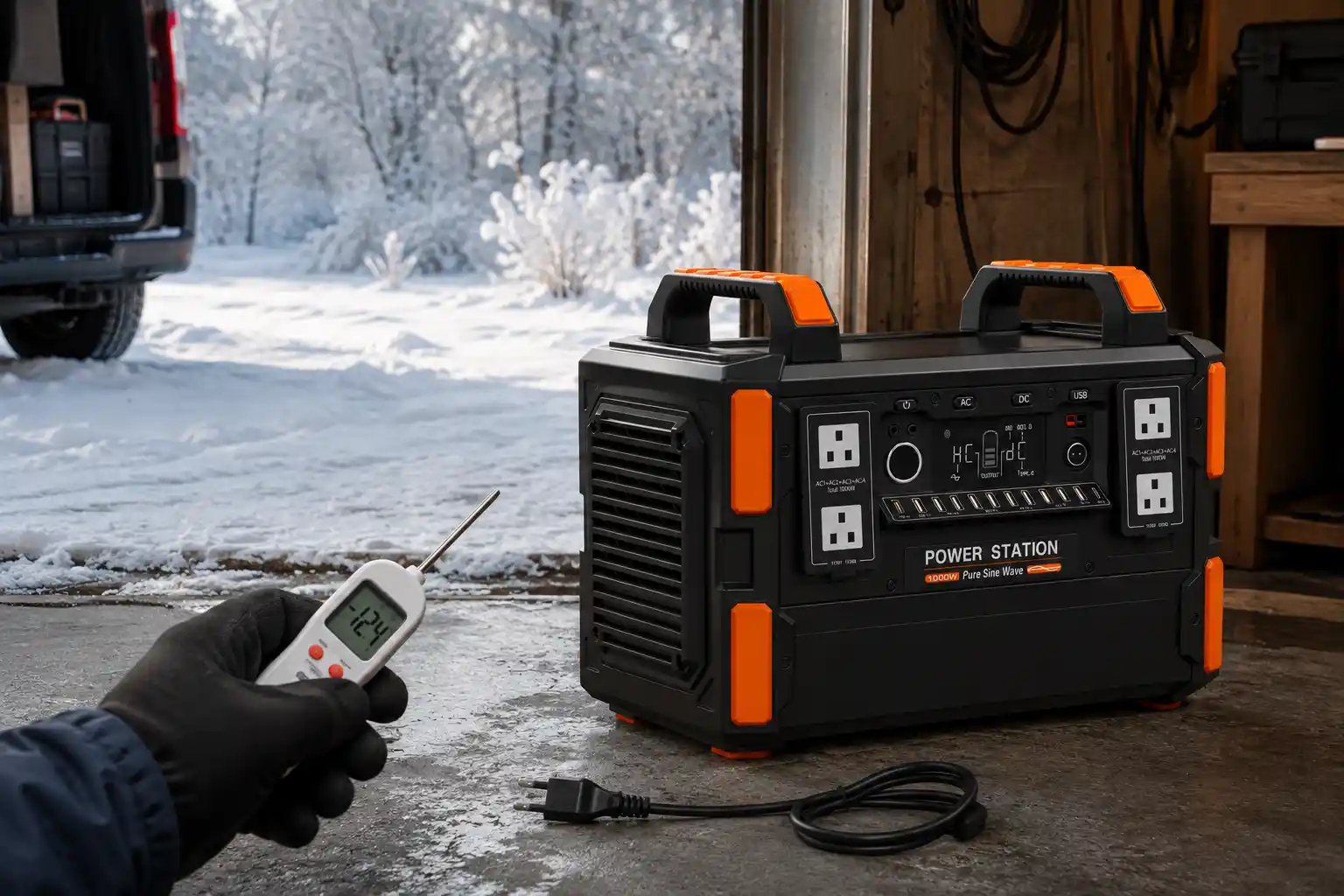
Check battery temperature before charging, especially after the power station has been stored in a hot vehicle or exposed to freezing outdoor temperatures.
2. Why Can a Power Station Discharge Below 0°C but Not Charge There?
This is one of the most frequently misunderstood aspects of lithium batteries.
A portable power station may continue supplying electricity below freezing while refusing to accept a charge.
That is not a contradiction.
Charging and discharging involve different electrochemical conditions. Low-temperature charging of lithium-ion cells can increase the risk of lithium plating on the negative electrode, which can permanently reduce battery performance and create additional safety concerns.
This is why charging limits are often narrower than discharging limits.
Using the Jackery LiFePO₄ example:
Charging: 0–45°C
Discharging: -10–45°C
So a power station running a refrigerator at -5°C does not automatically mean it should also be charged at -5°C.
If the unit has been stored in a freezing vehicle, tent, warehouse, or outdoor cabinet, allow the battery to return to its approved charging-temperature range before charging.
Some newer power stations include low-temperature charging protection or battery-heating systems. These features can improve cold-weather usability, but they do not mean the manufacturer’s temperature specifications can be ignored.
3. Match the Charger to the Electrical Input Specifications
A compatible charger must match more than the shape of the connector.
Before connecting an AC adapter, DC power supply, vehicle charger, or other charging source, confirm:
- Input voltage range
- Maximum input current
- Maximum charging power
- Connector type
- Connector polarity
- Supported charging mode
The voltage requirement deserves particular attention.
A charger may have the correct connector but supply the wrong voltage. In that situation, the power station may refuse to charge, trigger input protection, or potentially be damaged if the input exceeds what the circuit is designed to accept.
Whenever possible, use the supplied charging equipment or equipment explicitly compatible with the manufacturer’s electrical requirements.
Physical compatibility does not guarantee electrical compatibility.
4. AC Wall Charging: Check More Than the Plug
AC charging is usually the simplest charging method, but international users and distributors should pay attention to local electrical systems.
Depending on the market, household electricity commonly falls into systems such as:
100–120V AC
or
220–240V AC
with grid frequencies commonly at:
50Hz or 60Hz.
A portable power station intended for one market should not automatically be assumed to accept another market’s AC supply.
Always check the product’s rated AC input voltage and frequency.
Extension cords also deserve attention. An undersized, damaged, tightly coiled, or poor-quality extension cable carrying a high continuous charging load can generate unnecessary heat and voltage drop.
For high-power AC charging:
- Use an appropriately rated outlet.
- Avoid loose wall sockets.
- Avoid damaged extension cords.
- Use cables with sufficient current capacity.
- Do not daisy-chain multiple power strips.
- Keep plugs fully inserted.
- Follow the grounding requirements specified for the product.
If charging from a portable generator rather than a utility outlet, also confirm that the generator’s voltage, frequency, waveform, grounding configuration, and output capacity are suitable for the power station.
5. Solar Charging: Maximum Wattage Is Not Enough
One of the most common mistakes with portable power stations is choosing solar panels based only on wattage.
Suppose a power station advertises:
220W maximum solar input.
It is tempting to assume that any solar panel or array below 220W is compatible.
That is not necessarily true.
A real example can be found in the EcoFlow RIVER 2 Pro specifications. Its solar input is listed as:
11–50V DC, 13A, 220W Max.
Those figures represent three separate electrical limits:
| Parameter | What It Means |
|---|---|
| PV voltage range | Voltage the charging circuit is designed to accept |
| Maximum current | Maximum current accepted from the solar source |
| Maximum PV power | Maximum solar charging power |
A compatible solar configuration therefore needs to satisfy the complete PV input specification—not just the wattage figure.
Why Voc Matters
Voc means open-circuit voltage.
It is the voltage a solar panel produces when no load is connected.
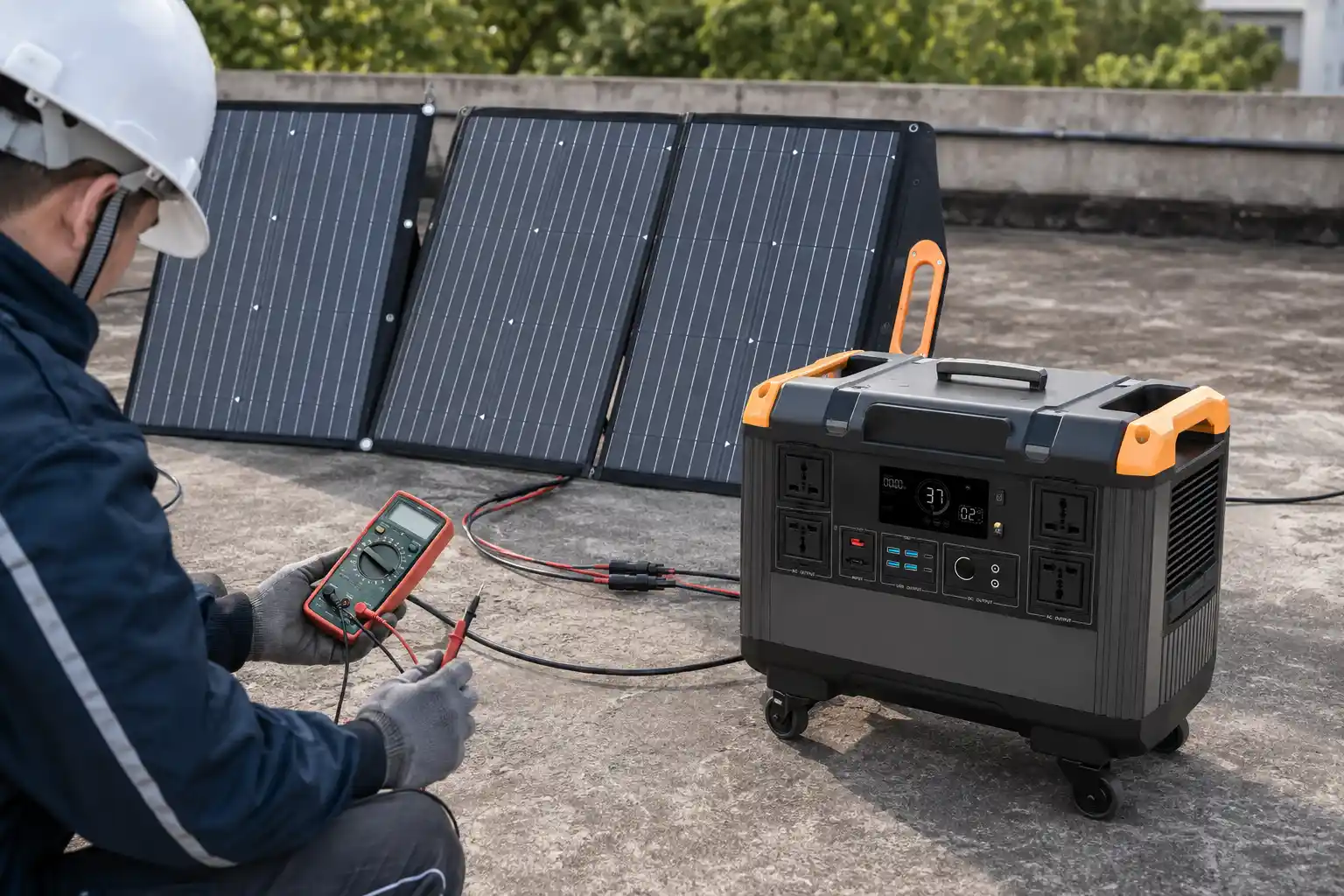
When checking compatibility, compare the solar array’s Voc with the portable power station’s permitted PV input voltage.
For non-engineers, the key point is:
Too much solar wattage may simply be limited by some charging systems, but excessive input voltage is a much more serious compatibility issue. Never assume the power station can safely handle an array whose Voc exceeds its specified input voltage.
6. How to Calculate Solar Panels in Series and Parallel
This is particularly important when more than one panel is connected.
Series Connection
When identical solar panels are connected in series:
Voltage adds together.
Current remains approximately the same as one panel.
For example:
One panel:
- Voc = 30V
- Current = 5A
- Power = 150W
Two identical panels in series:
Total Voc = 30V × 2 = 60V
Current ≈ 5A
Total rated power ≈ 300W
If the portable power station accepts only 50V maximum PV input, this configuration exceeds the voltage specification.
Parallel Connection
When identical panels are connected in parallel:
Voltage stays approximately the same.
Current adds together.
Using the same panels:
Two panels in parallel:
Voc ≈ 30V
Total current ≈ 5A × 2 = 10A
Total rated power ≈ 300W
Therefore, parallel configuration may solve one voltage problem while creating a current-limit issue.
Quick Solar Compatibility Formula
For N identical panels in series:
Array Voc = Panel Voc × N
Array current ≈ Panel current
Array power = Panel wattage × N
For N identical panels in parallel:
Array Voc ≈ Panel Voc
Array current = Panel current × N
Array power = Panel wattage × N
Then compare all three calculated values with the power station’s:
PV voltage limit + current limit + maximum input power.
Real solar design can require additional considerations, including temperature effects on panel voltage and the electrical characteristics of non-identical modules. The calculation above is therefore a quick compatibility check, not a replacement for the manufacturer’s design requirements.
7. Remember That Cold Weather Can Increase Solar Panel Voc
Cold-weather charging creates another issue that is easy to overlook.
A solar panel’s open-circuit voltage can increase as cell temperature decreases.
That means a solar array that appears safely below the portable power station’s maximum PV input voltage under warm test conditions may move closer to—or potentially beyond—that limit in cold conditions.
This is particularly relevant when several panels are connected in series.
For B2B buyers, distributors, and system integrators, it is therefore better to leave appropriate voltage margin rather than designing an array that sits exactly at the power station’s maximum input voltage under nominal conditions.
8. Inspect Charging Cables, Ports, and Connectors
Cables and connectors are often overlooked because they appear mechanically simple.
However, a loose or damaged electrical connection increases resistance.
Higher resistance at a connection point means more heat can be generated there.
Before charging, inspect:
- AC power cord
- Solar charging cable
- DC cable
- Vehicle charging plug
- Adapters
- Input ports
Do not continue using components that are:
- Frayed
- Cracked
- Burned
- Corroded
- Bent
- Loose
- Melted
- Abnormally hot
Make sure plugs are inserted fully.
EcoFlow’s current RIVER 2 Pro safety instructions, for example, explicitly advise against operating the power station with damaged cords, plugs, or output cables.
9. Keep the Power Station Ventilated During Charging
Fast charging can move a significant amount of energy through a relatively compact device.
Heat may be generated by:
- Battery cells
- Internal resistance
- AC/DC conversion
- DC/DC conversion
- Inverters
- Charging electronics
The power station’s fans, heat sinks, internal temperature sensors, and air channels are designed to manage this heat.
They cannot work properly if airflow is blocked.
Avoid charging while the power station is:
- Covered by clothing or blankets
- Inside a closed storage box
- Pressed tightly against a wall
- Surrounded by luggage
- Next to a heater
- Exposed to excessive direct sunlight
- Installed without the ventilation clearance specified by the manufacturer
There is no useful universal rule such as “every power station is safe below X°C surface temperature,” because internal layouts, sensors, battery chemistries, charging power, and thermal-management strategies differ.
Follow the specific product’s warning system and temperature specifications instead.
10. Take Extra Care When Charging from a Vehicle
Vehicle charging is useful for road trips, camping, mobile work, and emergency power, but it introduces another electrical system into the equation.
Portable power stations may support:
- 12V vehicle charging
- 24V vehicle charging
- Both 12V and 24V
- Higher-power alternator charging through dedicated equipment
These are not interchangeable by assumption.
Before connecting a portable power station to a vehicle, check:
- Vehicle system voltage
- Power station DC input specification
- Socket current rating
- Cable rating
- Connector condition
- Fuse rating
- Vehicle battery condition
A loose cigarette-lighter plug or accessory socket can also create localized heating.
Another practical issue is the vehicle’s starter battery.
If the power station continues drawing energy while the engine is off, prolonged charging may discharge the starter battery far enough to create starting problems.
Follow the vehicle manufacturer’s and power station manufacturer’s instructions on whether charging should occur only while the engine is running.
11. Can You Use a Portable Power Station While It Is Charging?
Sometimes.
This feature is commonly called pass-through charging.
It allows a power station to accept energy from AC, solar, or another source while simultaneously supplying electricity to connected appliances.
But the fact that some models support it does not mean every portable power station should be operated this way.
Jackery’s July 2026 guidance, for example, defines pass-through charging as simultaneously charging the power station and supplying connected devices. Its current model guidance also specifies particular AC output restrictions during pass-through operation.
The important rule is therefore:
Confirm that your specific model supports pass-through operation and check its limits while that mode is active.
Pay particular attention to equipment with high starting power, such as:
- Refrigerators
- Air conditioners
- Water pumps
- Air compressors
- Power tools
For example, a refrigerator might have a relatively modest running load but briefly demand considerably more power when its compressor starts.
So load management should consider both:
Running power
and
Startup/surge power.
12. Can You Charge with AC and Solar at the Same Time?
Again, the answer depends on the model.
Some newer portable power stations support multi-source or hybrid charging, allowing inputs such as AC and solar to operate simultaneously.
Others do not.
Jackery’s August 6, 2026 support guidance explicitly states that simultaneous solar and AC charging is model-dependent, and lists models that support the function while noting that other products with only one charging port do not.
Therefore:
Never assume that AC + Solar, AC + Car, or another combined-input configuration is supported simply because the power station offers those charging methods individually.
Check:
- Whether simultaneous inputs are supported
- Which input combinations are permitted
- Combined maximum input power
- Priority between charging sources
- Whether charging power is automatically limited
This is particularly important for OEM buyers and distributors because charging architecture can differ significantly even between products with similar battery capacity.
13. Keep the Power Station Dry While Charging
A solar panel may be designed to remain outdoors in rain while the portable power station connected to it has a completely different ingress-protection rating.
Do not assume both products have the same environmental protection.
Unless the power station, connectors, and charging system are specifically rated for the conditions, avoid charging in:
- Rain
- Standing water
- Heavy condensation
- Extremely humid enclosed environments
- Areas where water can enter electrical connectors
Also keep charging ports dry before inserting connectors.
Moisture inside a charging connection can affect insulation and increase the risk of electrical faults.
14. What Should You Do If Charging Becomes Abnormal?
Users should know what to do when something goes wrong—not just how to prevent it.
Stop charging if you notice:
- Smoke
- Swelling or deformation
- Burning or unusual chemical smell
- Sparking
- Melted connectors
- Abnormal or rapidly increasing heat
- Repeated temperature warnings
- Repeated input-overvoltage errors
- Charging that repeatedly starts and stops unexpectedly
A practical response is:
1. Stop charging.
Disconnect the charging source if this can be done safely.
2. Disconnect connected loads.
Reduce additional electrical stress on the system.
3. Move away from combustible materials if it is safe to do so.
Do not continue charging a visibly damaged battery.
4. Do not repeatedly reconnect the charger simply to see whether the fault disappears.
A repeated protection event may be indicating a real electrical, battery, connector, or temperature problem.
5. Check the error code and user manual.
Many modern power stations identify overtemperature, low temperature, overload, input voltage, or battery faults on the display or mobile app.
6. Contact the manufacturer or supplier if the fault cannot be clearly resolved.
A swollen, burned, physically damaged, or unusually hot lithium battery should not be returned to normal service simply because it turns on again.
15. Long-Term Storage Also Affects Future Charging
Portable power stations should not normally be left completely discharged for long periods.
Lithium battery systems experience self-discharge and small standby loads even when they are not actively powering equipment.
If battery state of charge becomes extremely low, the BMS may eventually enter a protective state.
However, there is no universal storage SOC that applies to every portable power station.
For example, EcoFlow’s current RIVER 2 Pro manual recommends maintenance every three months and specifies a particular discharge/recharge procedure ending at approximately 60% SOC for long-term storage.
Jackery’s maintenance guidance uses a different example, recommending approximately 50% rated capacity for long-term storage and charging every three months.
This difference demonstrates why statements such as:
“Always store every portable power station at 50%”
or
“Always store it at 80%”
are too broad.
The better rule is:
Follow the storage SOC and maintenance interval specified for the exact product.
Portable Power Station Charging Safety Checklist
Before starting a charge, check the following:
| Item | What to Check |
|---|---|
| Battery temperature | Within the manufacturer’s charging range |
| AC input | Correct voltage and frequency |
| Charger | Correct voltage, current, power and polarity |
| Solar Voc | Below the permitted PV input voltage |
| Solar current | Within the input-current limit |
| Solar power | Within the supported charging architecture |
| Series panels | Combined Voc calculated correctly |
| Parallel panels | Combined current calculated correctly |
| Cables | No damage, looseness or overheating |
| Ventilation | Air inlets and outlets unobstructed |
| Vehicle charging | Correct voltage, cable and socket rating |
| Pass-through mode | Explicitly supported |
| Multiple inputs | Combination explicitly supported |
| Environment | Dry and within specified conditions |
| Storage | Correct SOC and maintenance interval |
Three Charging Mistakes That Cause the Most Confusion
If all the precautions above seem difficult to remember, three mistakes deserve particular attention.
Mistake 1: Assuming Low-Temperature Operation Means Low-Temperature Charging
It does not.
A lithium power station may discharge below 0°C while requiring a battery temperature above 0°C before charging.
Mistake 2: Choosing Solar Panels Only by Wattage
A “200W-compatible” power station does not automatically accept every 200W solar configuration.
Always check:
Voc + current + wattage.
Mistake 3: Assuming Every Charging Mode Can Be Combined
A product supporting:
AC charging
and
solar charging
does not automatically mean it supports:
AC + solar simultaneously.
Likewise, having AC outputs does not automatically mean unrestricted pass-through operation is supported.
These are product-specific design features.
Final Thoughts
Safe portable power station charging comes down to one principle:
Stay within the electrical, thermal, and operating limits of the specific product.
For many current lithium portable power stations, charging temperatures around 0°C to 40–45°C are common, while discharge temperatures may extend below freezing. But these are examples, not universal specifications.
For solar charging, wattage alone is never enough. The array’s open-circuit voltage, current, total power, series/parallel configuration, and the power station’s PV input limits all need to be considered.
For AC, car, pass-through, and multi-source charging, the same principle applies: a charging method should only be used when the product is designed to support it.
For end users, these checks reduce avoidable charging failures and safety risks.
For distributors, OEM buyers, and energy-storage suppliers, understanding these parameters also helps prevent mismatched accessories, incorrect solar configurations, unnecessary warranty claims, and avoidable after-sales problems.
VoltCrave Power provides portable power and energy-storage solutions for different application requirements. When evaluating a portable power station, battery capacity and inverter wattage are only part of the specification. Charging architecture, PV input range, battery chemistry, temperature management, and real operating conditions should also be considered when selecting the right system.
Need help matching this topic to a real battery project?
Send your target application, capacity range, certification market, and order plan. VoltCrave can recommend a practical product direction.